

Play Flip Knife Online
Explore different rooms, jump on all sorts of objects: shelves, tables, chairs, sofas, and even subwoofers!Make the knife jump or even double flip. How? Just tap the screen at the right moment and jump!
What this run actually looks like
- Flip Knife renders at 800×600, a 4:3 landscape frame, which makes it desktop and tablet in practice.
- The publisher documents 1 mapped input spread across touch.
- It sits in Obby and Parkour next to 86 other titles and carries 4 descriptive tags: Flip, Knife, Jumping and Obby.
- Its closest neighbour in the library is Sausage Flip Free, which overlaps on 3 tags (Flip, Jumping, Obby).
- It runs as a single-player session, so nothing on the page waits for a second controller.
- The near-square 4:3 frame fits either orientation without cropping.
How to play Flip Knife
| Input | Key or gesture | Action |
|---|---|---|
| Touch | Tap | Jump |
- Jump height follows how long you hold the press.
- It is filed under the flip tag, so expect that mechanic to drive what the single input does.
- It is filed under the knife tag, so expect that mechanic to drive what the single input does.
- The canvas is 800×600 (4:3 landscape), so a phone should be turned sideways before the first input.
Publisher instructions, unedited
Tap the screen at the right moment and jump
Device and display
- Native resolution
- 800 × 600
- Aspect ratio
- 4:3
- Orientation
- Landscape
- Canvas class
- Compact canvas
- Best fit
- Desktop and tablet
- Phone orientation
- Either orientation works
- Fullscreen
- Optional, the frame fits inline
- Technology
- HTML5 in an iframe
Advertisement
How Flip Knife compares
| Game | Category | Shared tags | Display |
|---|---|---|---|
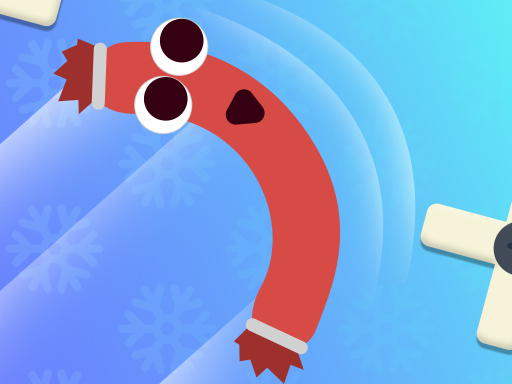 Sausage Flip Free Sausage Flip Free | Obby | Flip, Jumping, Obby | 1920×1080 · Landscape |
 Robbie: Stand on the Right Color! Robbie: Stand on the Right Color! | Obby | Jumping, Obby | 800×600 · Landscape |
 Stand on the Right Color, Robby! Stand on the Right Color, Robby! | Obby | Jumping, Obby | 800×600 · Landscape |
 JUMPER JUMPER | Obby | Jumping, Obby | 800×600 · Landscape |
 3Dash 3Dash | Obby | Jumping, Obby | 800×600 · Landscape |
Tags on this game
Advertisement
Games Like Flip Knife

Advertisement